





Tango: The Best Steps Recorder Alternative
See why teams that onboard new hires, write SOPs, and answer everyone's questions choose Tango instead.


Tango and Steps Recorder strengths
Explore the perks of working with us
Automatically capture every step as you work, generating a polished step-by-step guide
Walk users through every click with interactive in-app guidance
Capture multiple paths and decision points within a single workflow
Turn any workflow into an embeddable video that automatically updates when the workflow does
Pin guides, tips, and links directly inside the software, right where people need them
Automate repetitive steps across web-based tools without APIs or integrations
Track process adoption and see where users complete, drop off, or get stuck
Built into Windows with no additional software required
Automatically captures screenshots and user actions
Generates a simple step-by-step HTML/MHT report
Lightweight tool for troubleshooting and support
Save recorded steps as a file to export and share with others
Tango Testimonials
See how Jasco Manufacturing cut 90% of errors from their quote-to-cash process


“We improved access to knowledge by 20%”
“In six months with Tango, we improved access to knowledge by 20% and employee satisfaction by 25%.”
“No one wants to spend 15 minutes reading”
“No one wants to spend 15 minutes reading about a process when they could use that time to actually do the process.”
“I love how you literally just have to... do the process!”
“I've been using Tango across 2 companies now and this has been one of my favorite tools...if you want to invest in documenting processes, Tango is the way to go.”
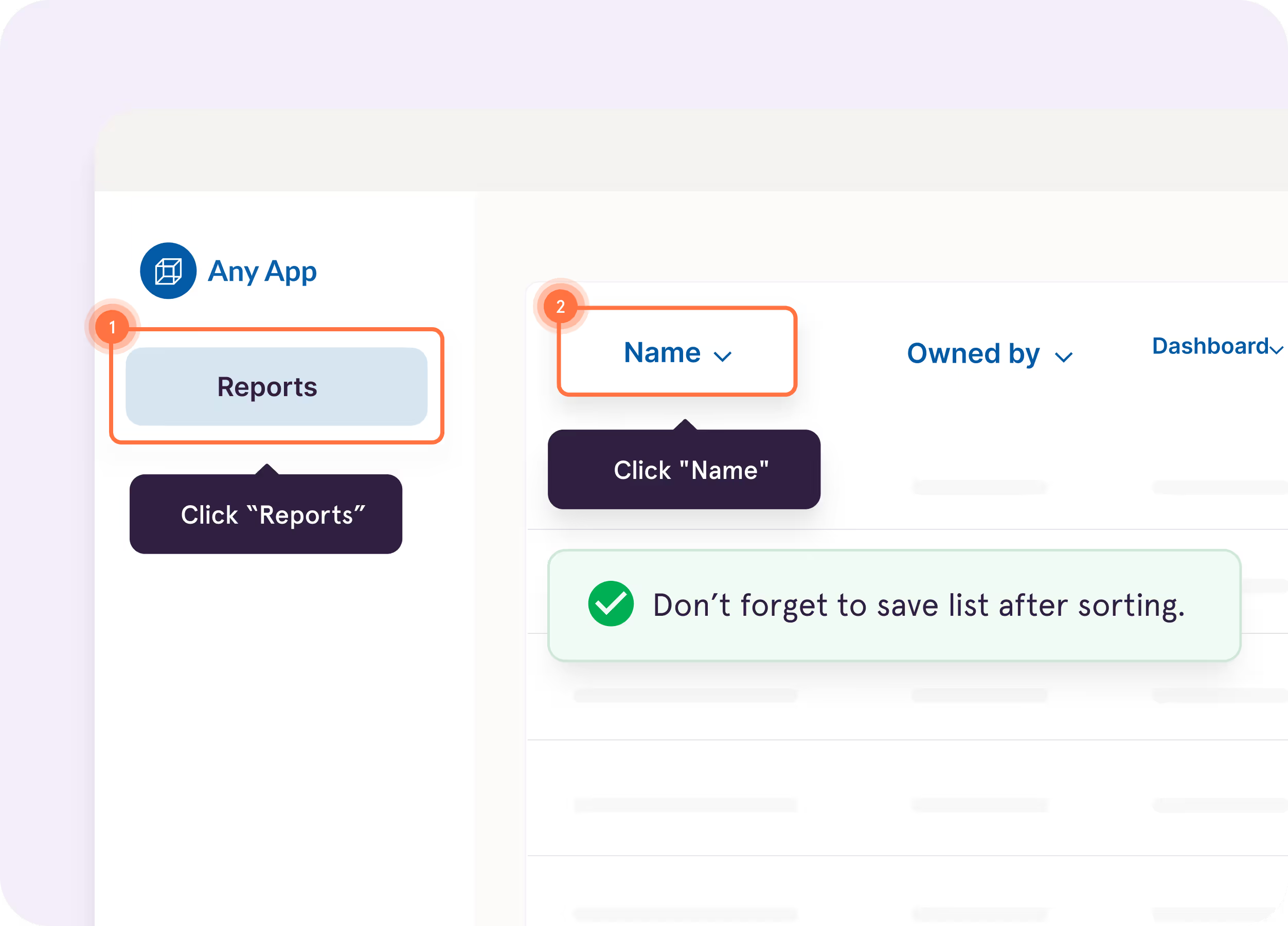
Turn captured workflows into interactive walkthroughs that highlight what to do next, right inside the tools where employees work.
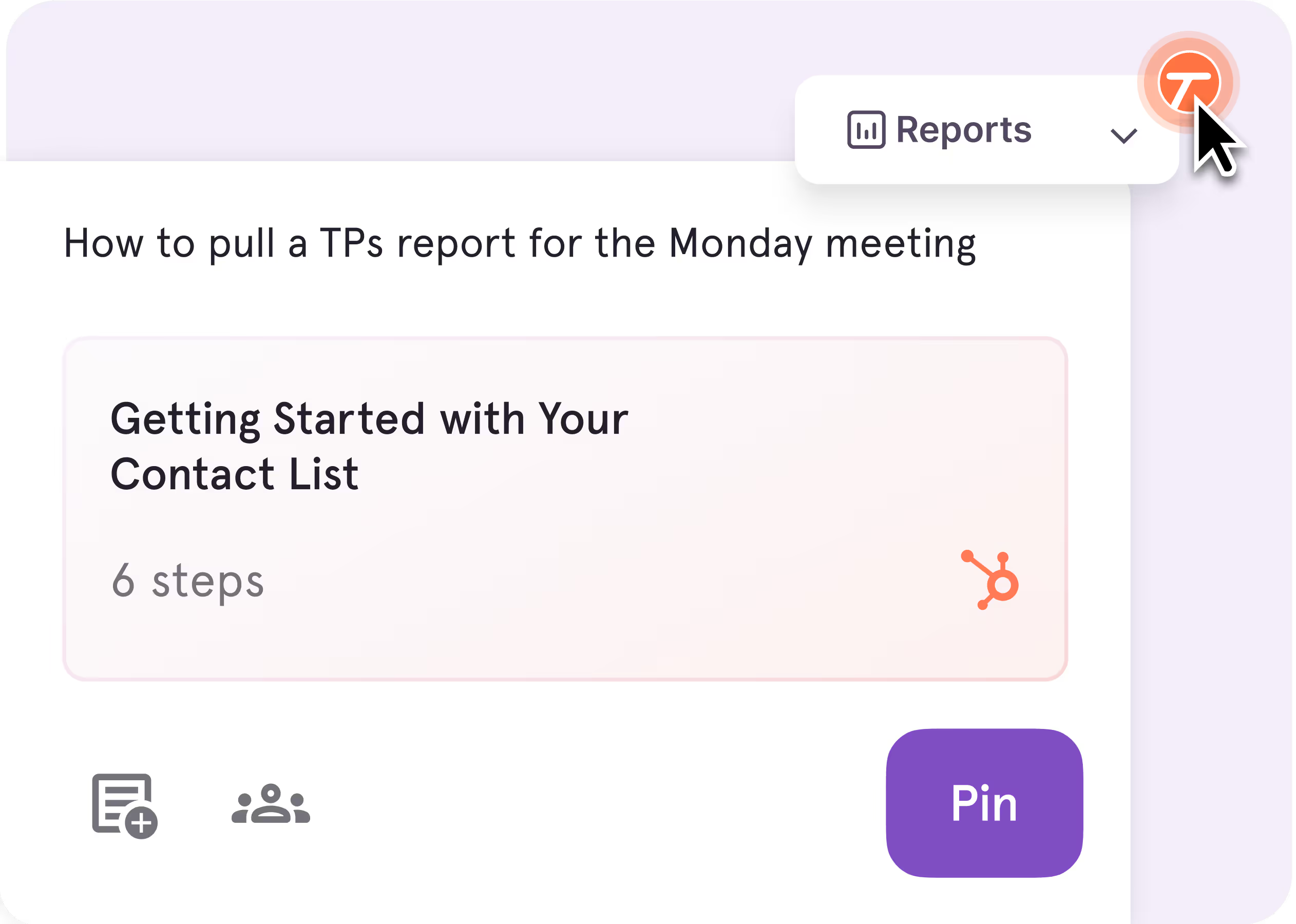
Pin guidance directly to buttons, fields, and screens so answers show up right where questions happen.
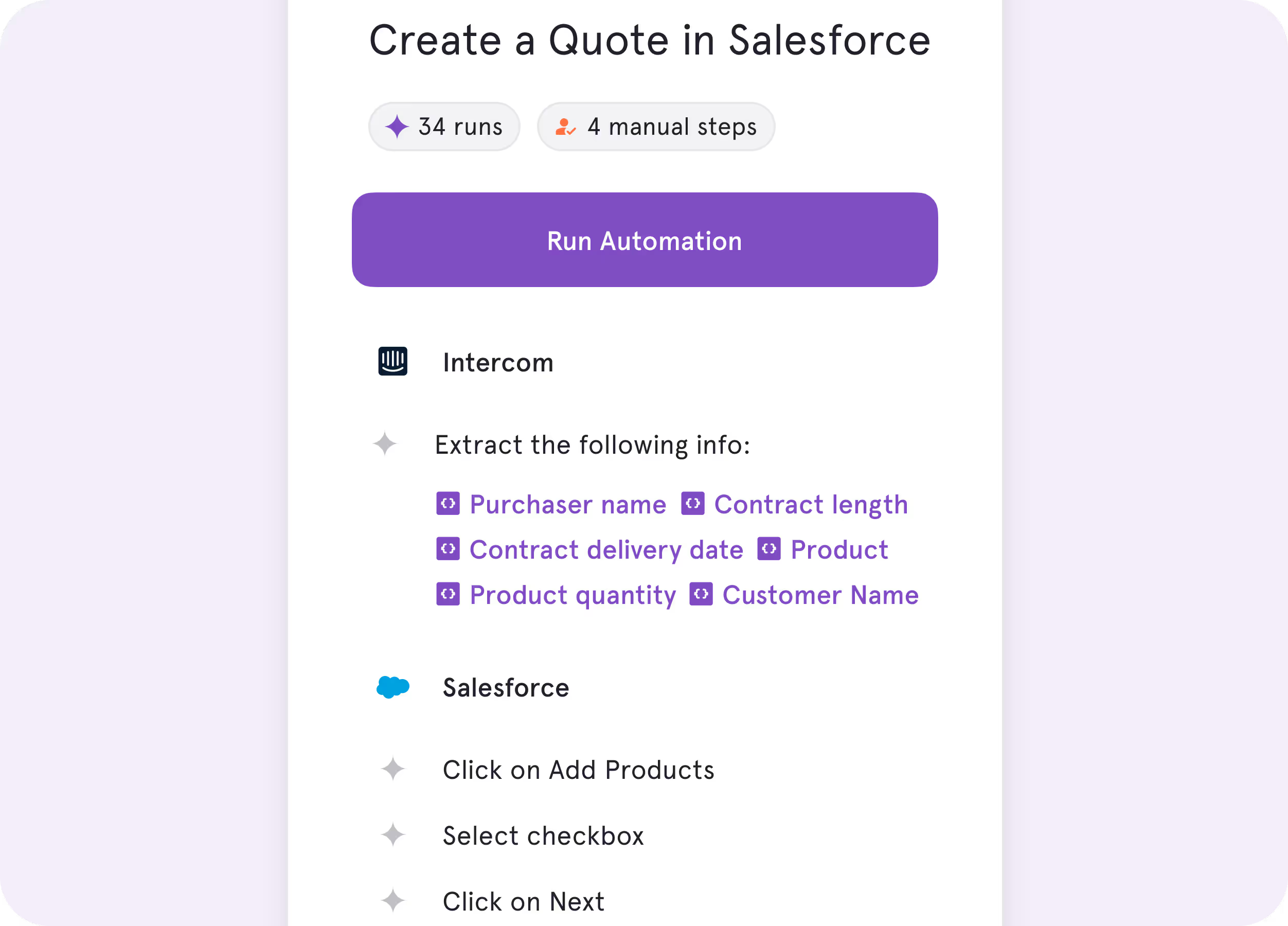
Automate repetitive browser work like data entry, cross-tab clicking, and form-filling, while your team stays in charge of the decisions.
%201.svg)
.avif)
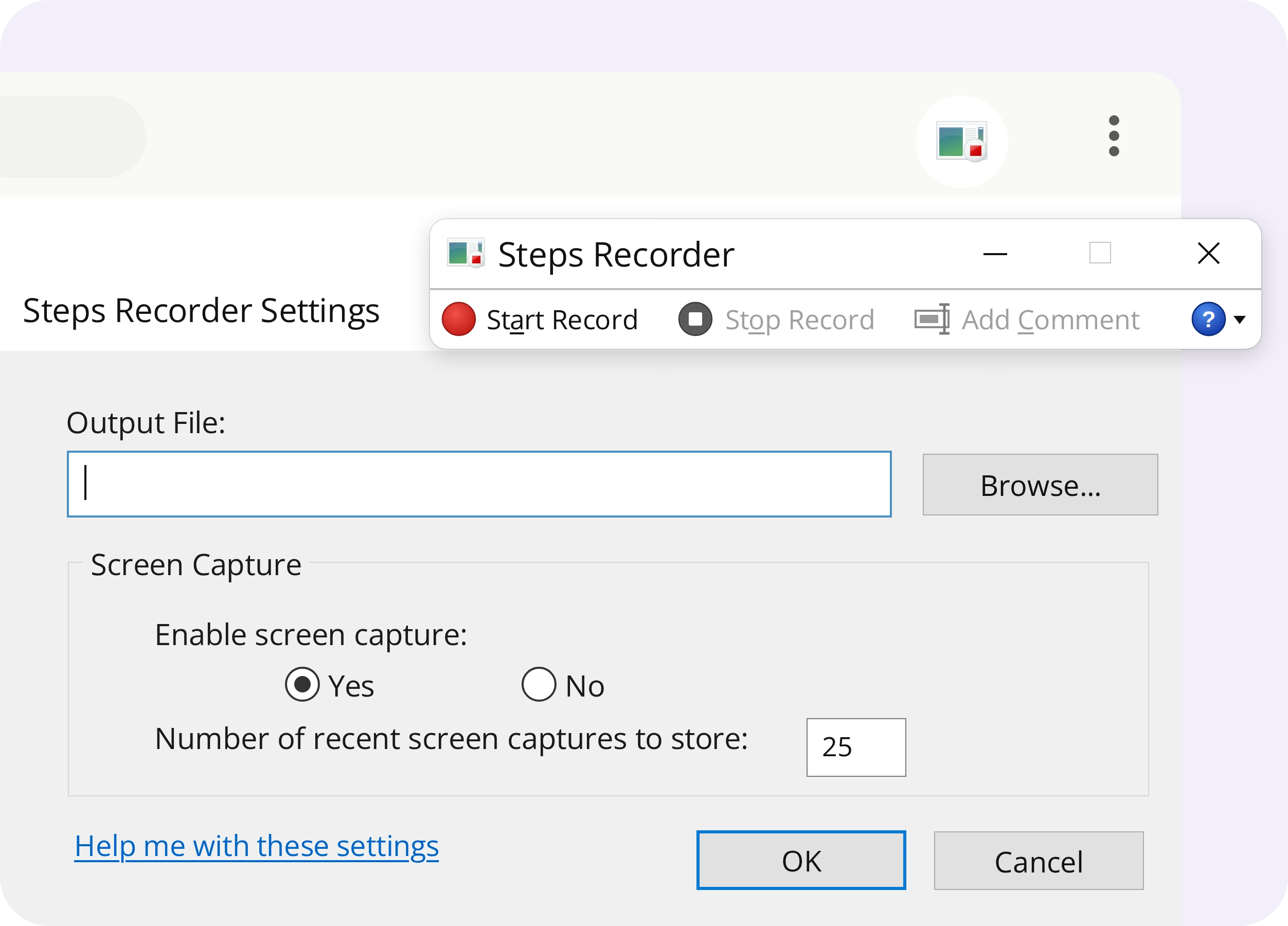
Record a process
Automatically capture screenshots and user actions as you complete a task.
Generate a report
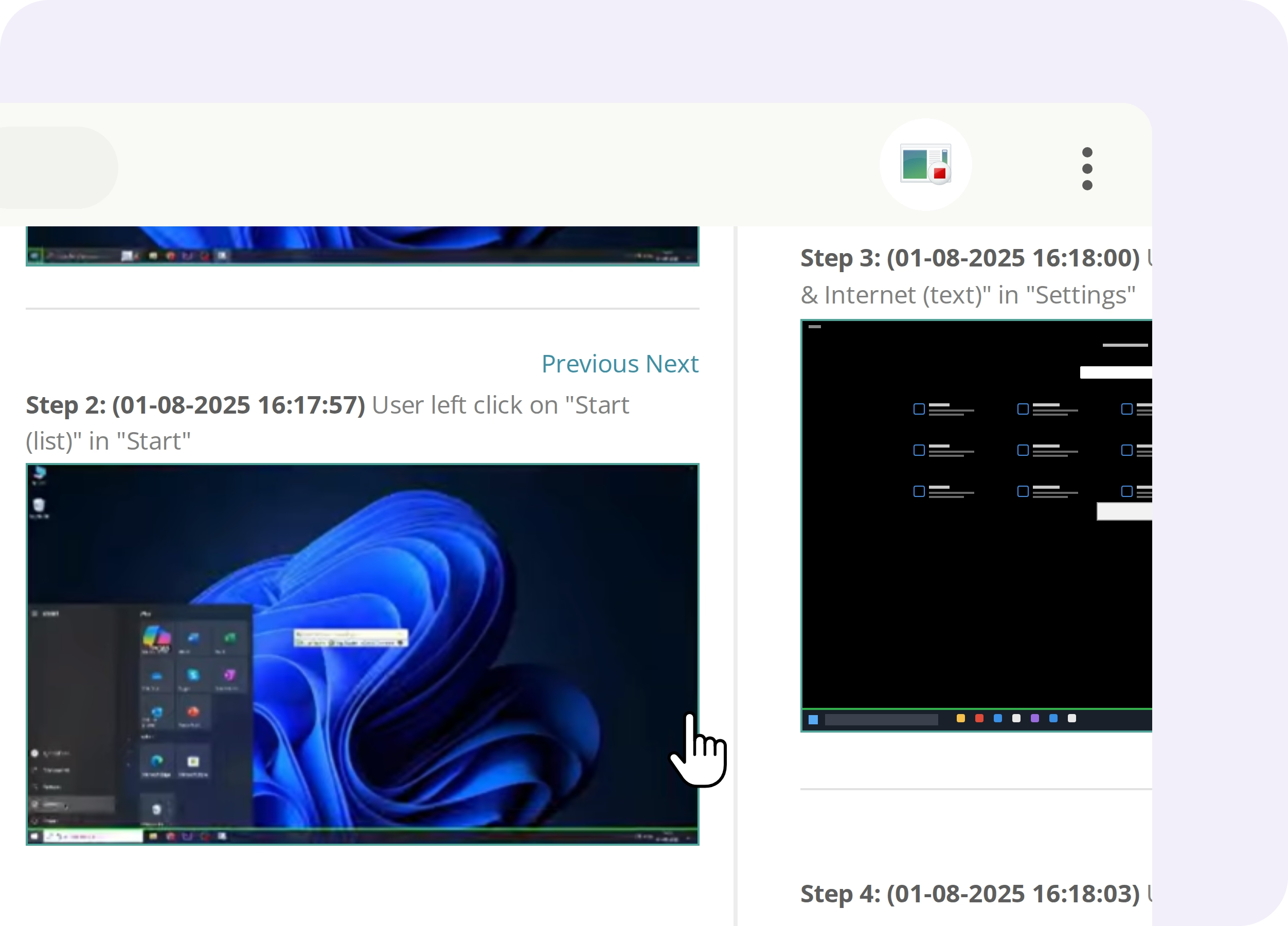
Turn recorded actions into a step-by-step report that can be saved and shared for troubleshooting.


.webp)
Key Differences
Click through your workflow, and Tango automatically creates an editable step-by-step guide with screenshots, highlighted clicks, and descriptions.
%201.svg)
Capture on-screen actions and screenshots to generate a basic HTML report with step descriptions.

Walk your team through entire workflows, click by click, so they can complete the process without leaving the software they’re using.
Follow recorded steps and screenshots in a separate report while completing the process.
Share guides instantly through links, embeds, videos, and exports, so your team can access instructions wherever they work. Update a guide once, and the latest version appears everywhere it's embedded.
Save recordings as ZIP files containing HTML-based reports, then send them by email or upload them to a shared drive.
FAQ
Yes. Microsoft deprecated Steps Recorder in Windows 11 and announced plans to remove it from a future Windows release. While the tool may still be available on some Windows devices, Microsoft no longer actively develops it. Teams looking for a Steps Recorder alternative can use Tango to automatically capture workflows and turn them into step-by-step guides with screenshots, highlights, and descriptions.
Yes. Tango is an alternative to Microsoft Steps Recorder for teams that need to capture and share repeatable processes. Like Steps Recorder, Tango automatically documents workflows as you work. Unlike Steps Recorder, Tango creates editable step-by-step guides that can be shared through links, embeds, and exports. Tango also offers interactive in-app guidance to help employees complete processes without switching between instructions and their work.
Yes. Tango captures workflows across web browsers and desktop applications on Windows and Mac. Using the Tango Desktop app, you can even capture a process that moves between web and desktop applications in a single workflow. Tango automatically turns your clicks into a polished step-by-step guide with screenshots, highlights, and descriptions.
Compare Tango vs other popular tools
Jump to the comparison that's most relevant to you.







Create your first Tango in minutes.
Start capturing your first workflow today.

