





Tango: The Best Pendo Alternative
See why teams that onboard new hires, write SOPs, and answer everyone's questions choose Tango instead.


Tango and Pendo strengths
Explore the perks of working with us
Automatically capture every step as you work, generating a polished step-by-step guide
Walk users through every click with interactive in-app guidance
Capture multiple paths and decision points within a single workflow
Turn any workflow into an embeddable video that automatically updates when the workflow does
Pin guides, tips, and links directly inside the software, right where people need them
Automate repetitive steps across web-based tools without APIs or integrations
Track process adoption and see where users complete, drop off, or get stuck
Build interactive product tours and onboarding guides
Replay user sessions to identify friction points
Collect customer feedback with in-app surveys and NPS
Target in-app experiences to specific user segments
Announce new features with in-app messages
Measure product usage and feature adoption with product analytics
Tango Testimonials
See how Jasco Manufacturing cut 90% of errors from their quote-to-cash process


“We improved access to knowledge by 20%”
“In six months with Tango, we improved access to knowledge by 20% and employee satisfaction by 25%.”
“No one wants to spend 15 minutes reading”
“No one wants to spend 15 minutes reading about a process when they could use that time to actually do the process.”
“I love how you literally just have to... do the process!”
“I've been using Tango across 2 companies now and this has been one of my favorite tools...if you want to invest in documenting processes, Tango is the way to go.”
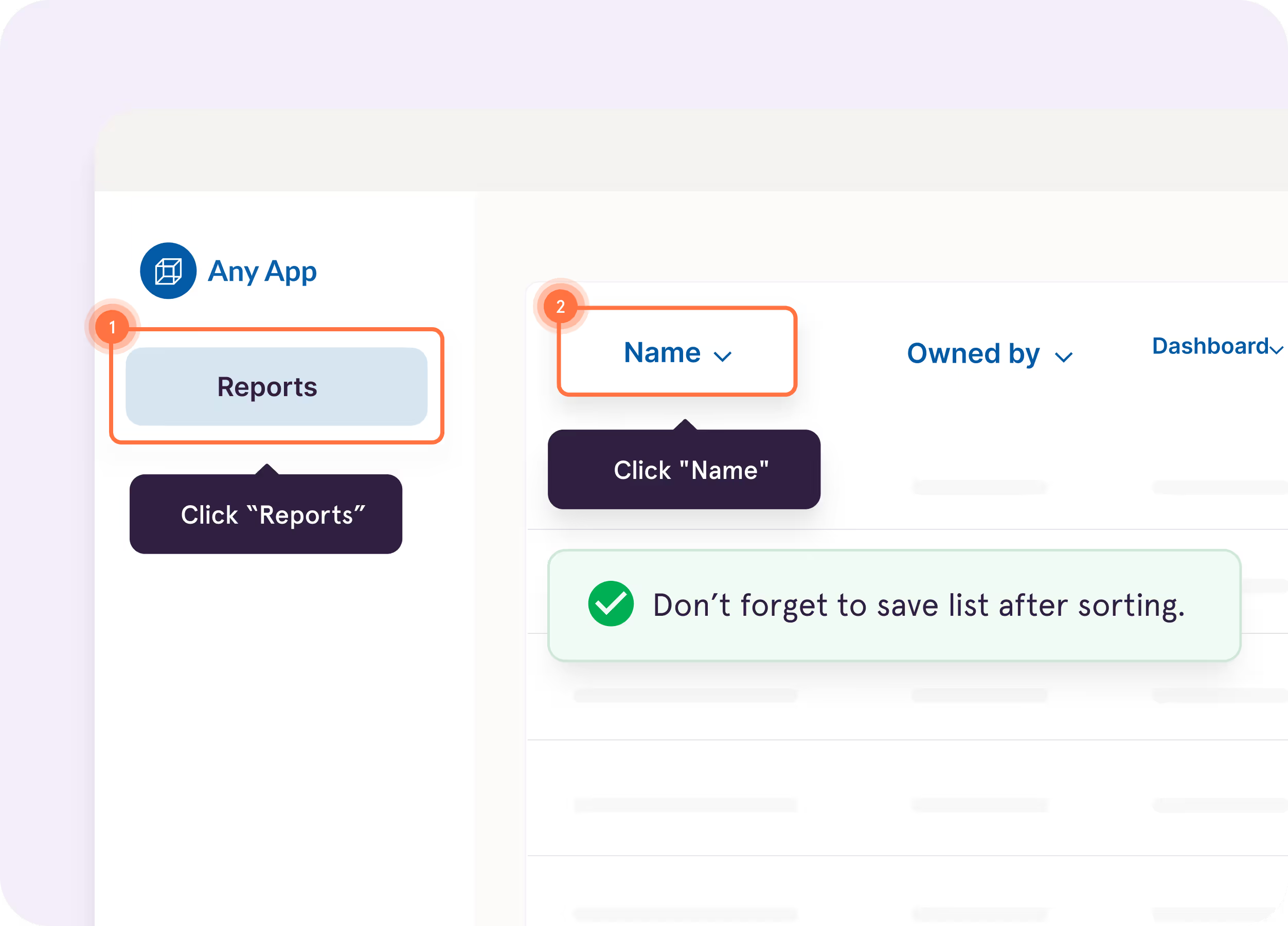
Turn captured workflows into interactive walkthroughs that highlight what to do next, right inside the tools where employees work.
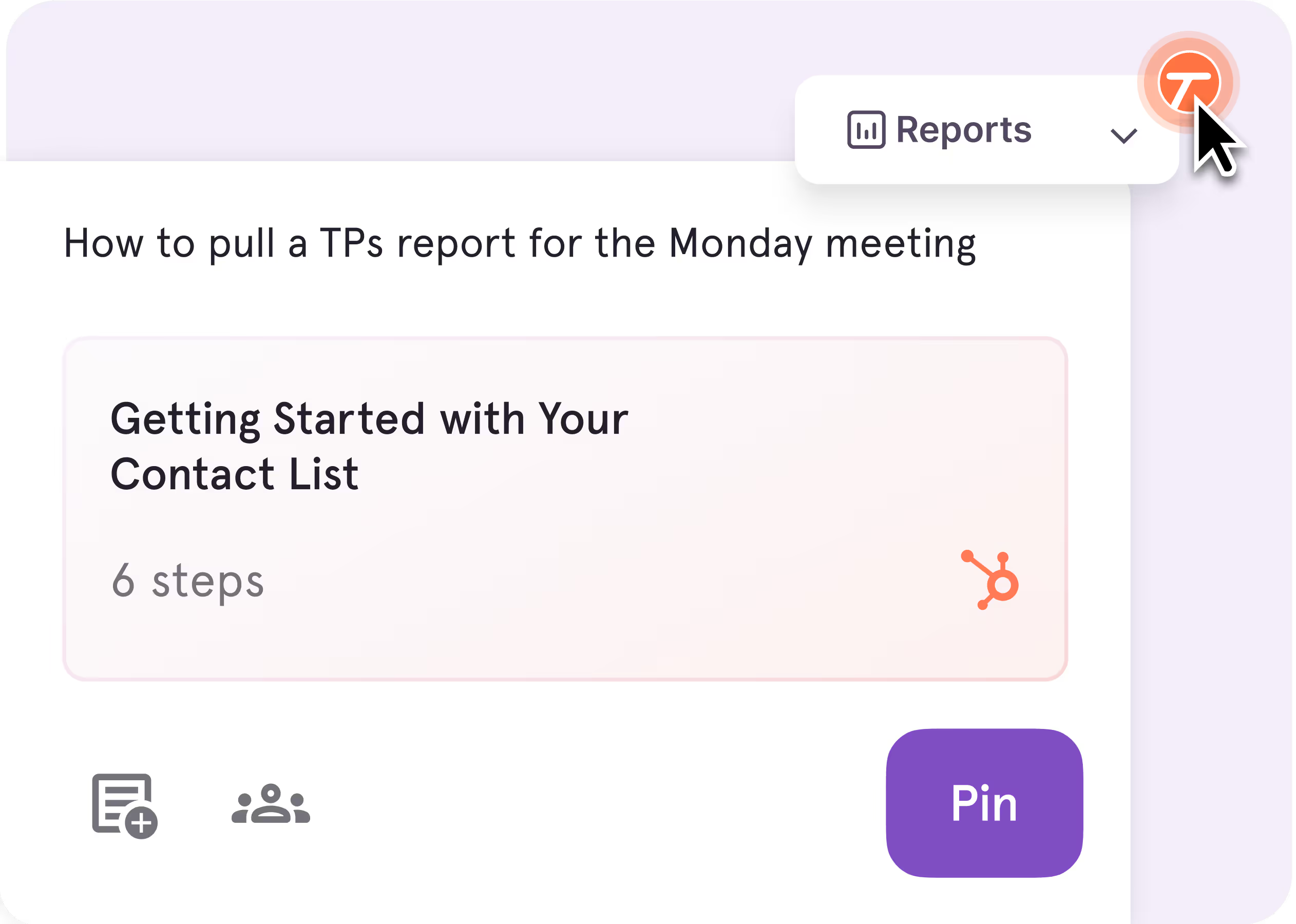
Pin guidance directly to buttons, fields, and screens so answers show up right where questions happen.
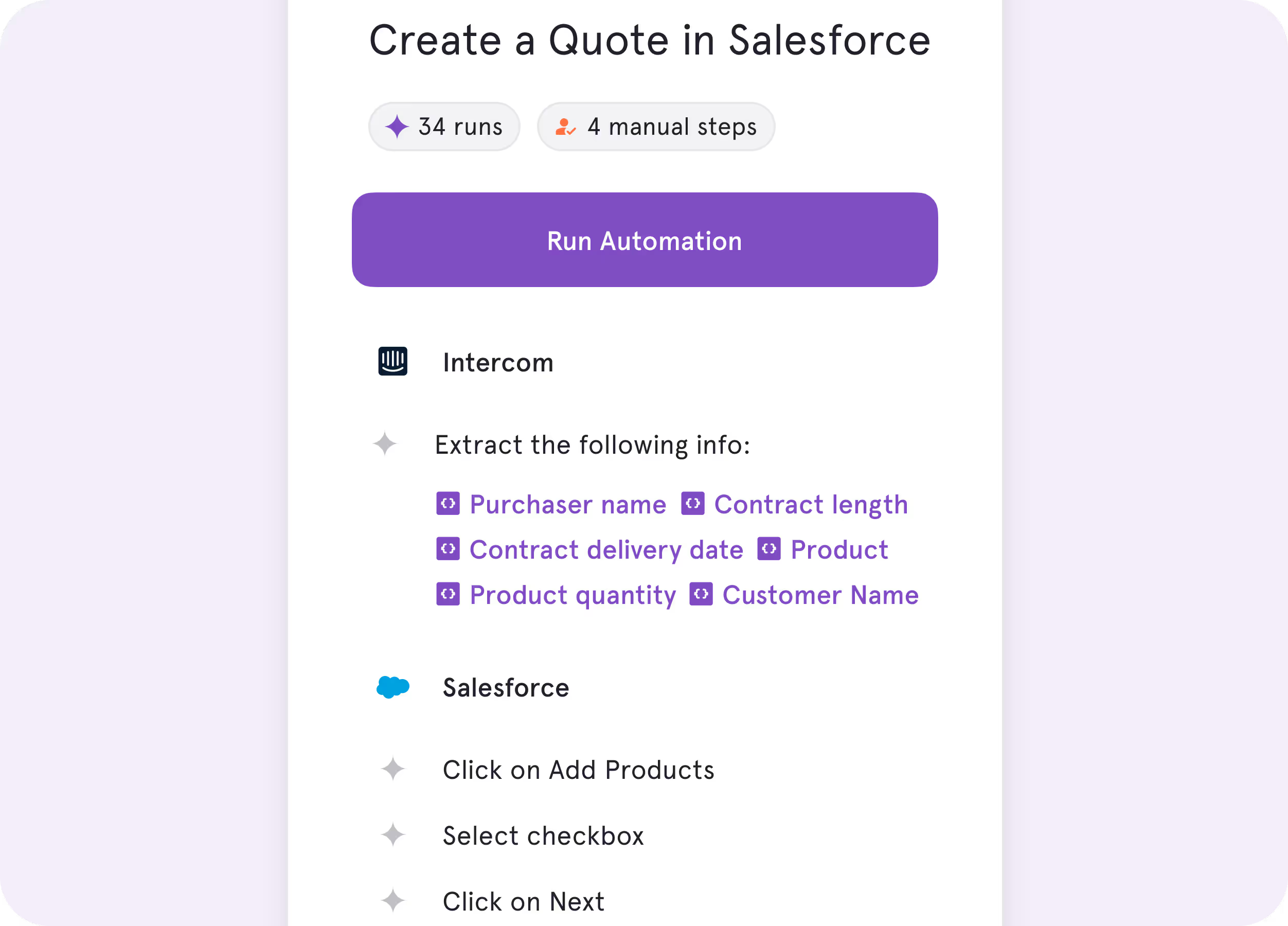
Automate repetitive browser work like data entry, cross-tab clicking, and form-filling, while your team stays in charge of the decisions.
%201.svg)
.avif)
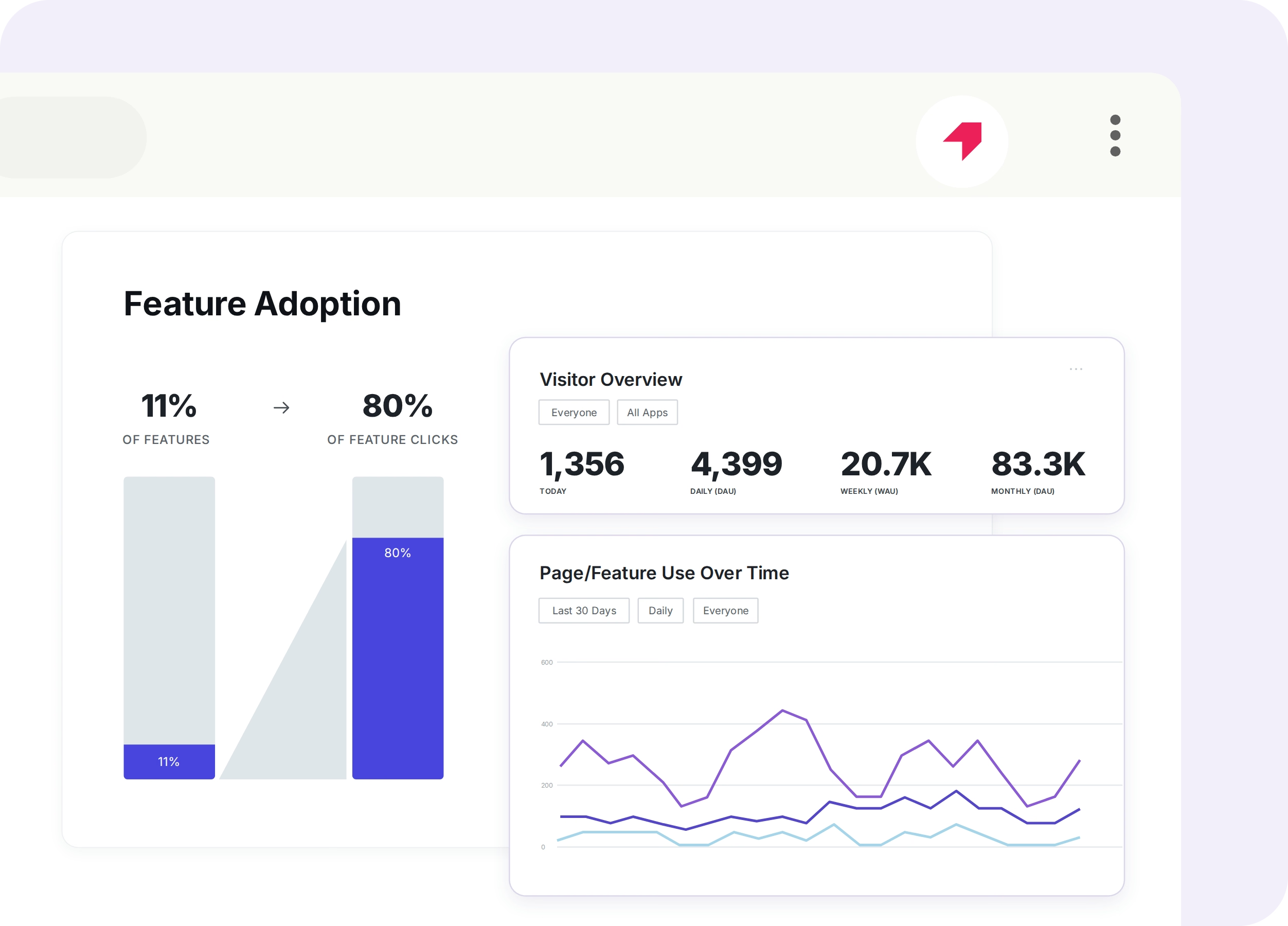
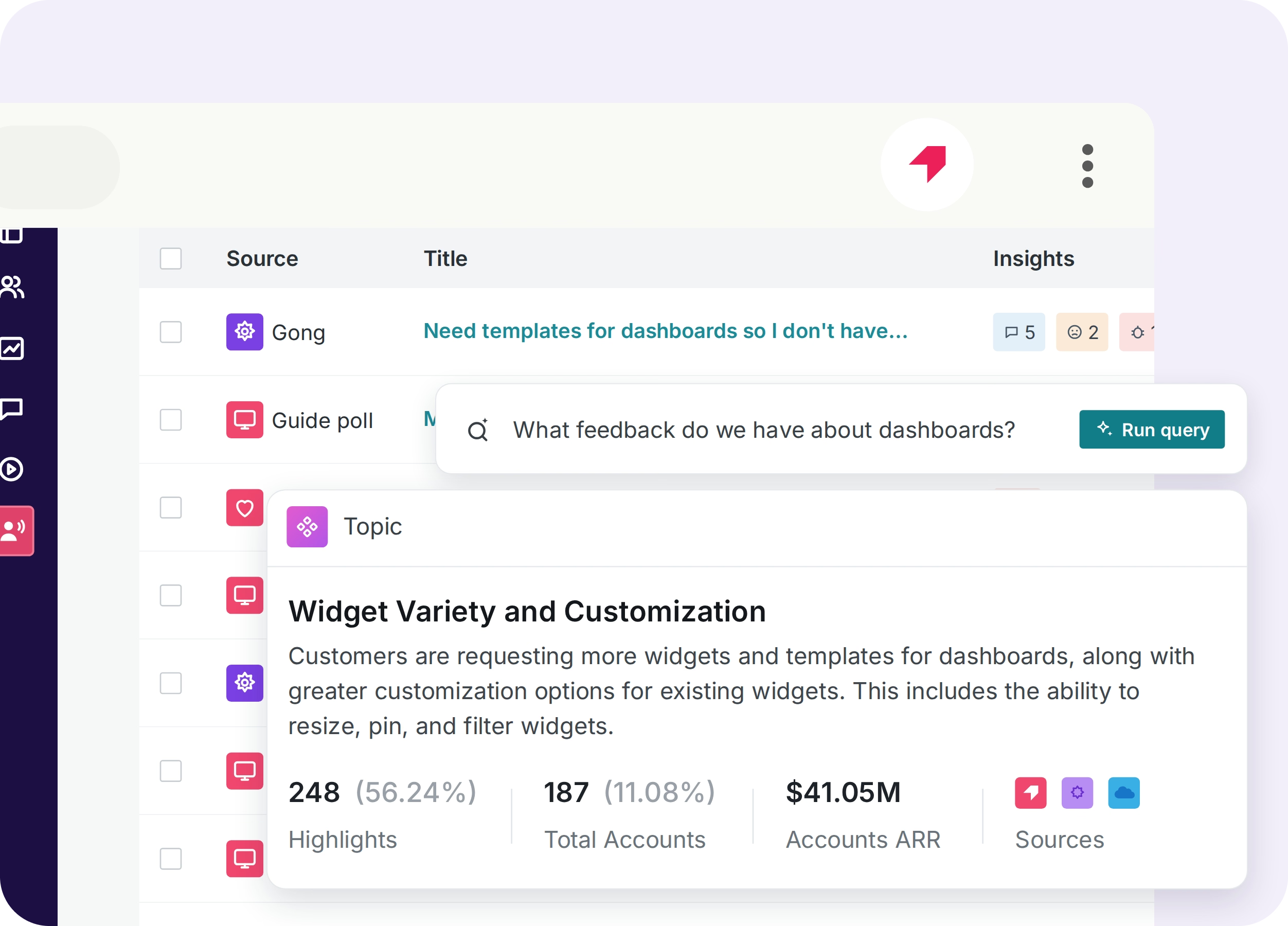
Track product usage
See how users navigate your product, which features they adopt, and where they encounter friction.
Collect product feedback
Use in-app surveys and NPS to understand what users need and inform product improvements.


.webp)
Key Differences
Click through your workflow, and Tango automatically captures each step to create a structured guide with screenshots, highlights, and descriptions.
%201.svg)
Build in-app guides by selecting a layout, adding content, connecting steps to UI elements, and configuring the guidance before publishing.

Install the browser extension and start capturing and sharing workflows right away, without a separate implementation project.
Set up Pendo in your applications before creating and delivering in-app guidance to users.
Share step-by-step guides wherever your team needs them, through interactive in-app guidance, links, video embeds, and exports.
Deliver interactive guides inside your application through walkthroughs or a Resource Center, or share links that launch guidance within the application.
What do Tango and Pendo have in common?
Capturing Documentation
Create interactive step-by-step guidance for repeatable processes
Support web-based applications across your organization
Use AI to speed up content creation
Sharing
Invite others to edit and collaborate in a shared workspace
Deliver interactive, step-by-step in-app walkthroughs
Surface relevant guides while employees work
Integrate your guides with the tools your team already uses
Security & administration
Control access with user roles and permissions
Track application usage, user behavior, and process adoption with analytics.
Streamline your end user experience with single sign-on (SSO)
Protect your data with SOC 2 Type II compliance
FAQ
Both Tango and Pendo offer interactive in-app guidance and analytics to help teams improve software adoption. Pendo focuses on product analytics, user behavior, and building in-app experiences. Tango focuses on capturing how work gets done and turning it into reusable step-by-step documentation, interactive walkthroughs, branching workflows, and process adoption insights.
Tango is built for teams that need to document processes, onboard employees, and help people complete tasks across their everyday tools. It automatically creates step-by-step guides that teams can share, embed, export, or follow through interactive in-app walkthroughs. Pendo is primarily focused on understanding software usage and improving adoption through analytics and in-app experiences.
Pendo offers tools for creating interactive in-app guides, but its standard guide creation process doesn't automatically document a workflow as someone performs it. Tango captures each step as you work, generating a polished guide with screenshots, highlights, and descriptions. Teams can then share that documentation or turn it into interactive in-app guidance.
Compare Tango vs other popular tools
Jump to the comparison that's most relevant to you.







Create your first Tango in minutes.
Start capturing your first workflow today.

